Welcome to our Knowledge Base
Upload orders via Template
Table of Contents
HOW TO UPLOAD ORDERS USING TEMPLATE
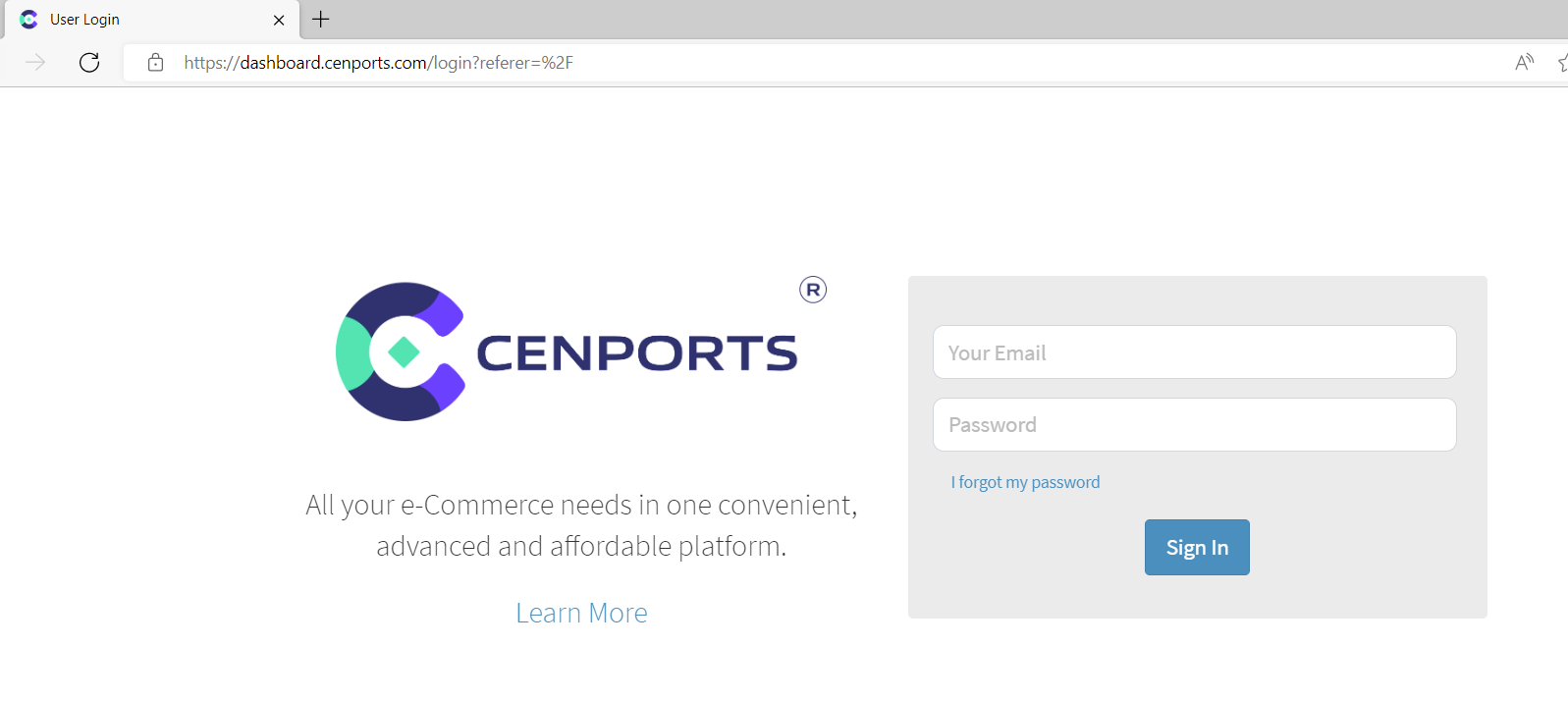
1.) Go to https://dashboard.mportsco.com/login . Enter 您的 username 和 password.
2.) Click Vendor(s) on the left navigation side then click Upload 订单s.

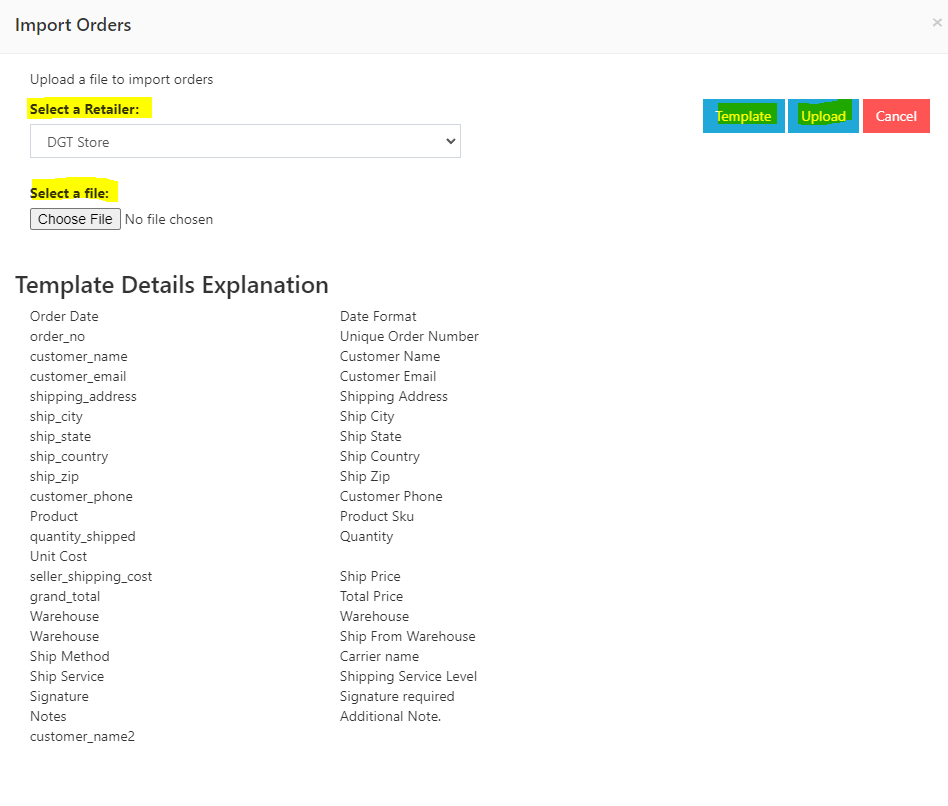
3.) You may download the template 通过 selecting “Template”. Once you fill out all the information, you may click “Upload” under select a file. Make sure you select a 零售er option.