
Manual upload orders using the template
HOW TO UPLOAD ORDERS MANUALLY BY USING THE TEMPLATE
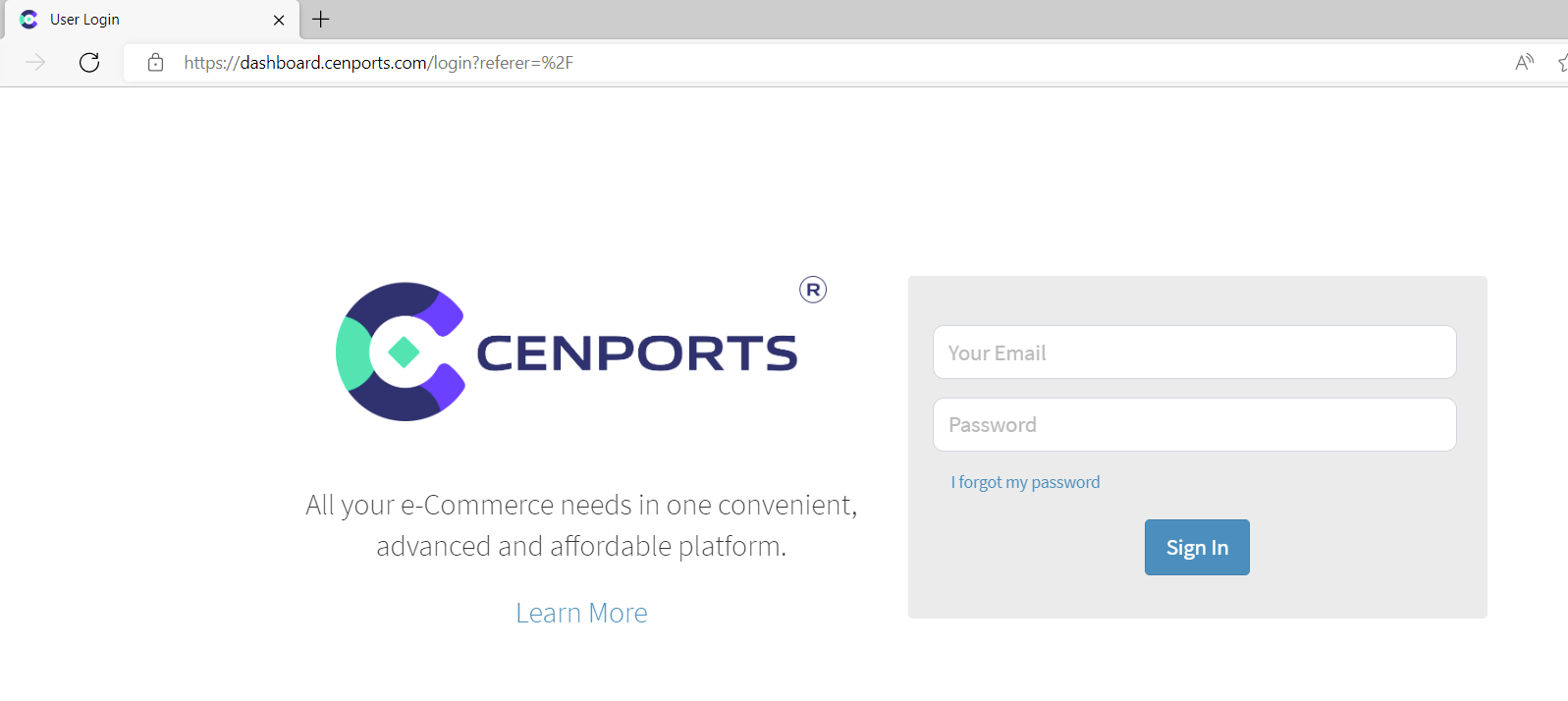
1. Go to https://dashboard.mportsco.com/login . Enter 您的 username 和 password.
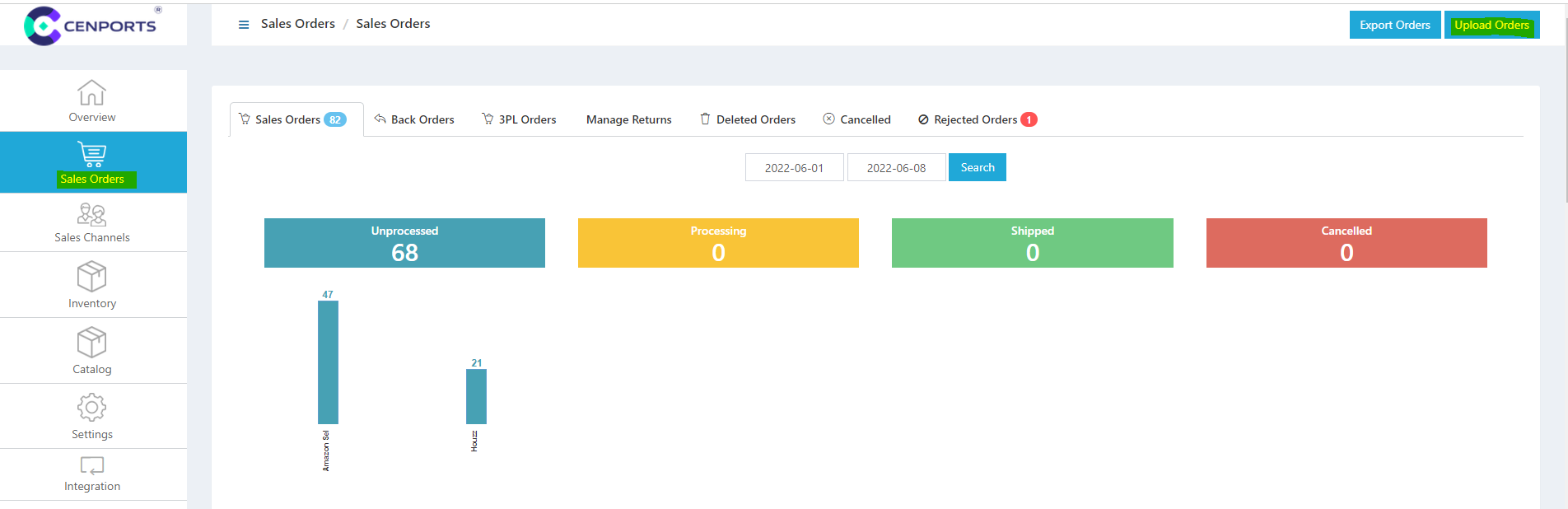
2. Click 销售 订单s on the left navigation side then click Upload 订单s.
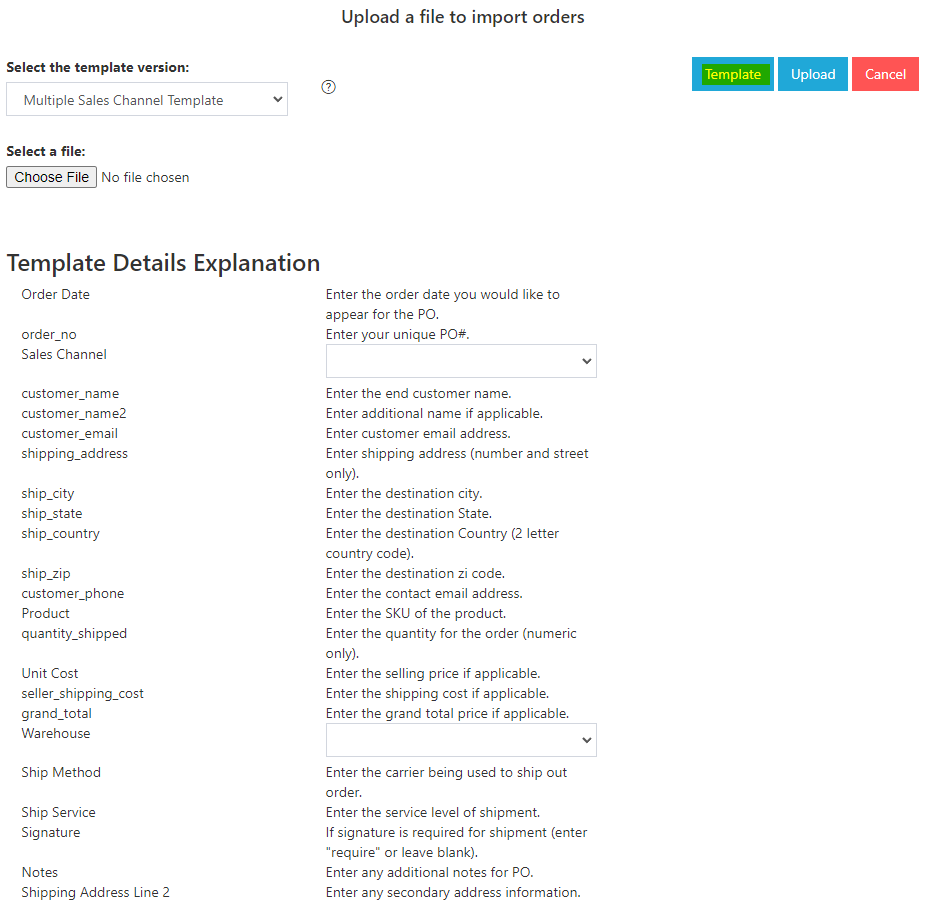
3. You may download the template 通过 selecting “Template”. This will be in excel format. Template Details information is also seen in the below image.
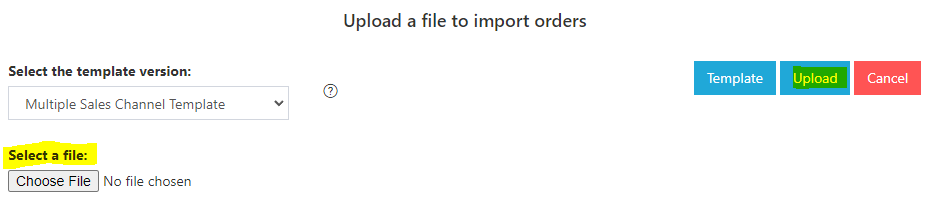
4.) Once you are done with the template, you can click “Choose File” under select a file then click “Upload”.
5.) Also, you can use below template information. Just click “销售 Channel” 和 select 您的 preferred 销售 Channel. The same with the “Warehouse”. You will notice on the right side that t这里 are codes.
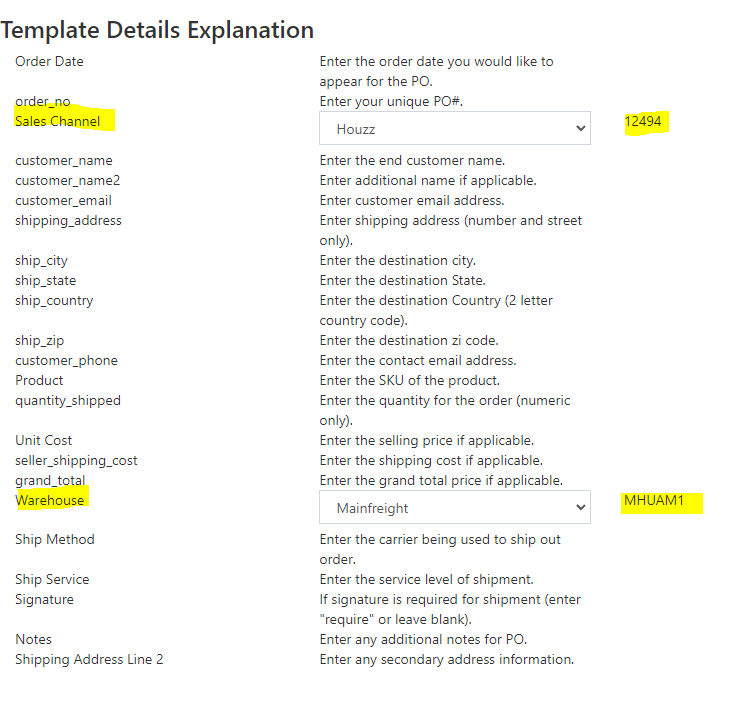
6.) Once you are done above, click “Template”, you may fill out all the details. Make sure to insert the codes of 您的 “销售 Channel” 和 “Warehouse”. Once it is done, you may Upload the template upon selection of the file.
