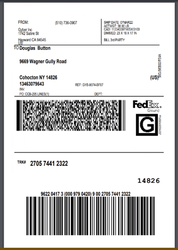
Welcome to our Knowledge Base
How to Print Shipping Label?
Table of Contents
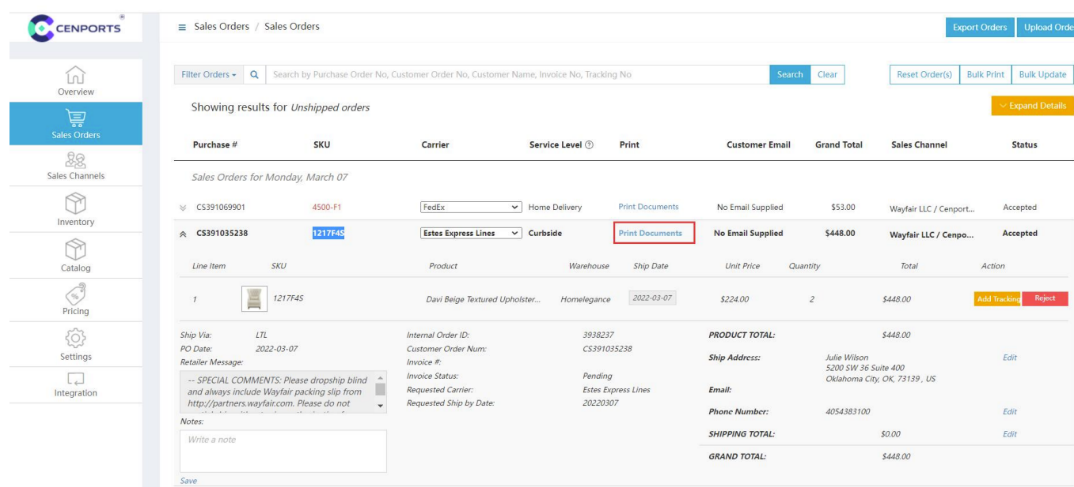
1.) Open 您的 vendor dashboard, click “销售 订单s” 和 find 您的 order number, click “Print Document”
2.) Under 运输 label, click “Print”. In this case, shipping label has been printed initially that is why it has Re-Print.
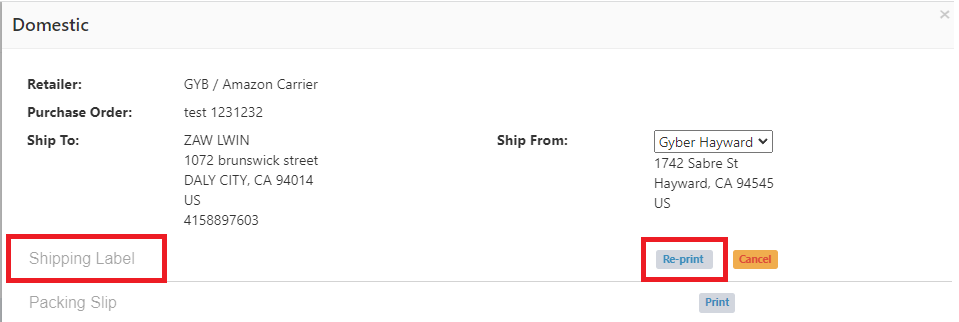
3.) Once you click Print under 运输 Label, it will show the sender 和 receiver shipping address.