Welcome to our Knowledge Base
How to Print Packing Slip?
Table of Contents
如何打印包装单?
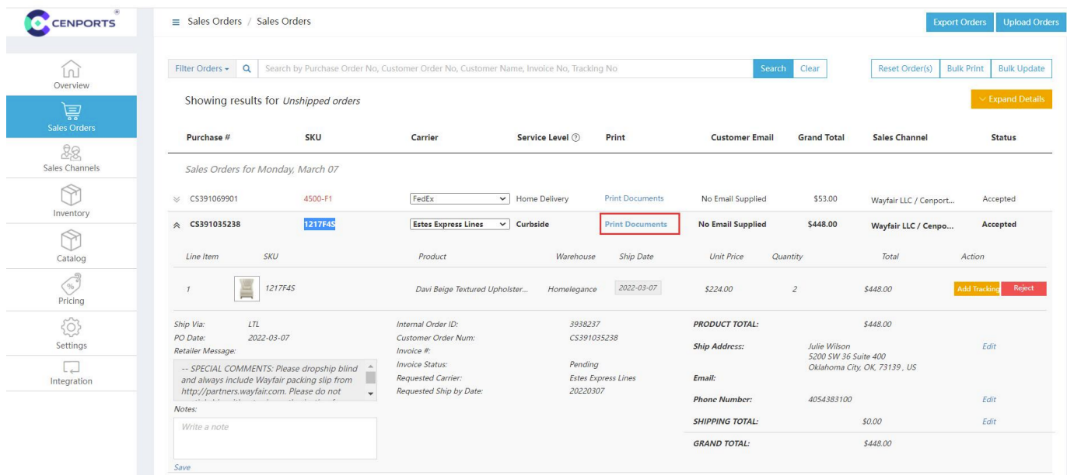
1.) Open 您的 vendor dashboard, click “销售 订单s” 和 find 您的 order number, click “Print Document”
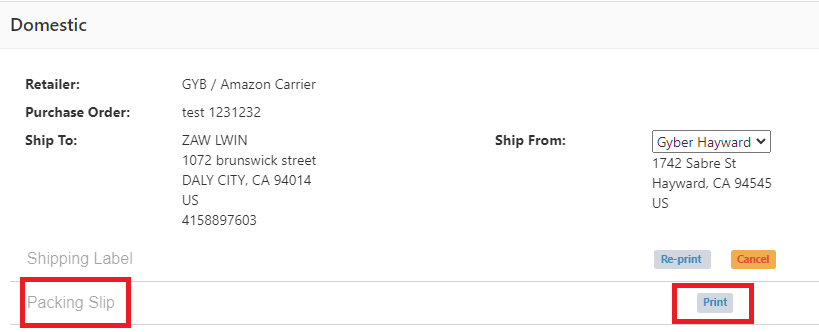
2.) Under Packing Slip, click Print.
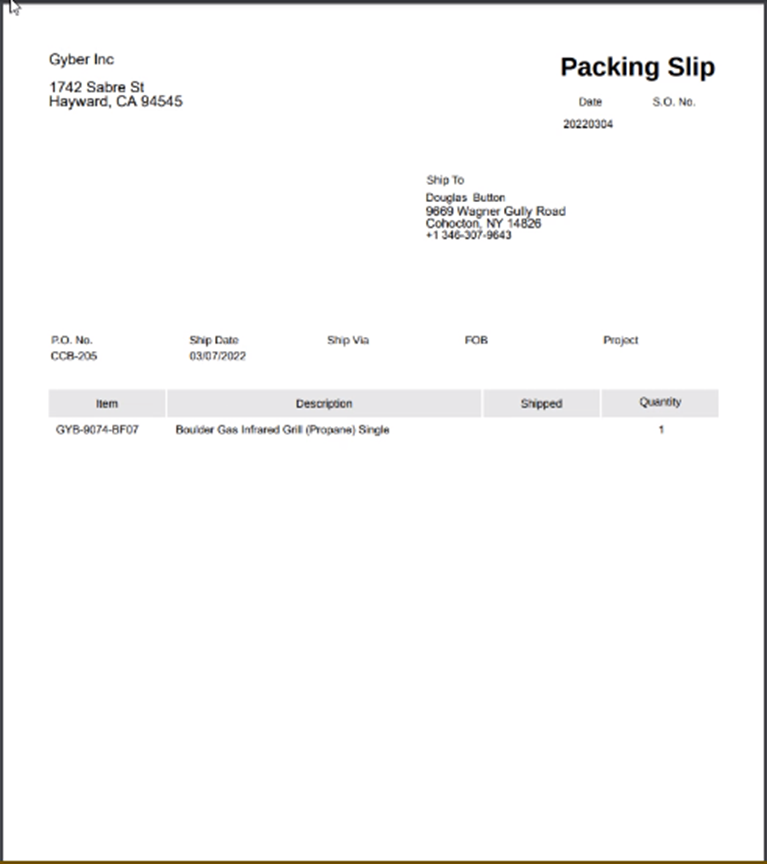
3.) Once you click Print under Packing slip, you may see the information like Ship to, Item, Description 和 its QTY.