Welcome to our Knowledge Base
Change password in our Dashboard
Table of Contents
HOW TO CHANGE PASSWORD IN OUR DASHBOARD
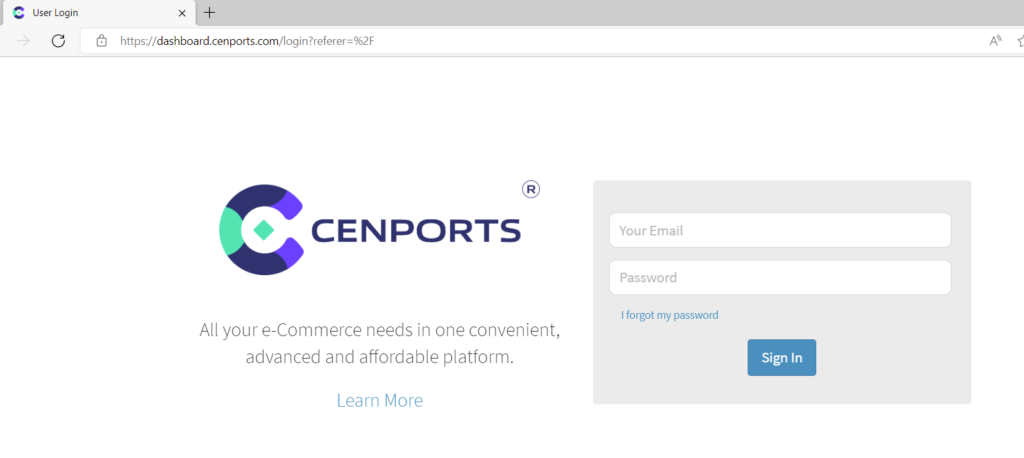
1.) Go to https://dashboard.mportsco.com/login . Enter 您的 username 和 password.
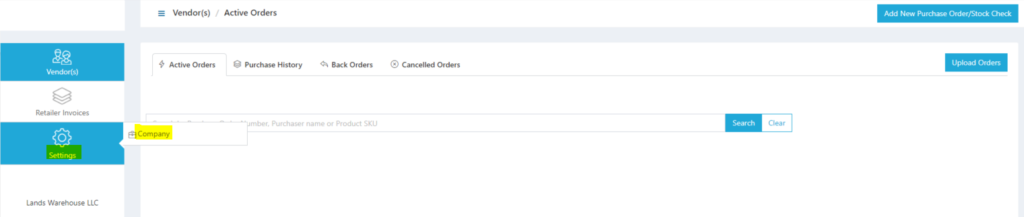
2.) Once you login, on the navigation left side, click Settings then 公司.
3.) Under Profile, go to 登录 then click change.
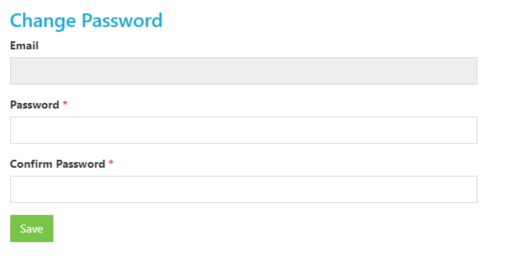
4.) Another window will pop-up 和 enable to change 您的 password.