Welcome to our Knowledge Base
Creating Sales Channel
Table of Contents
创建销售渠道
1.) Sign in to 您的 dashboard. Reference: https://dashboard.mportsco.com/login
2.) From the main dashboard, click 销售 Channels on the left navigation page. Go to Manage 销售 Channel tab 和 click “Add New 销售 Channel”.

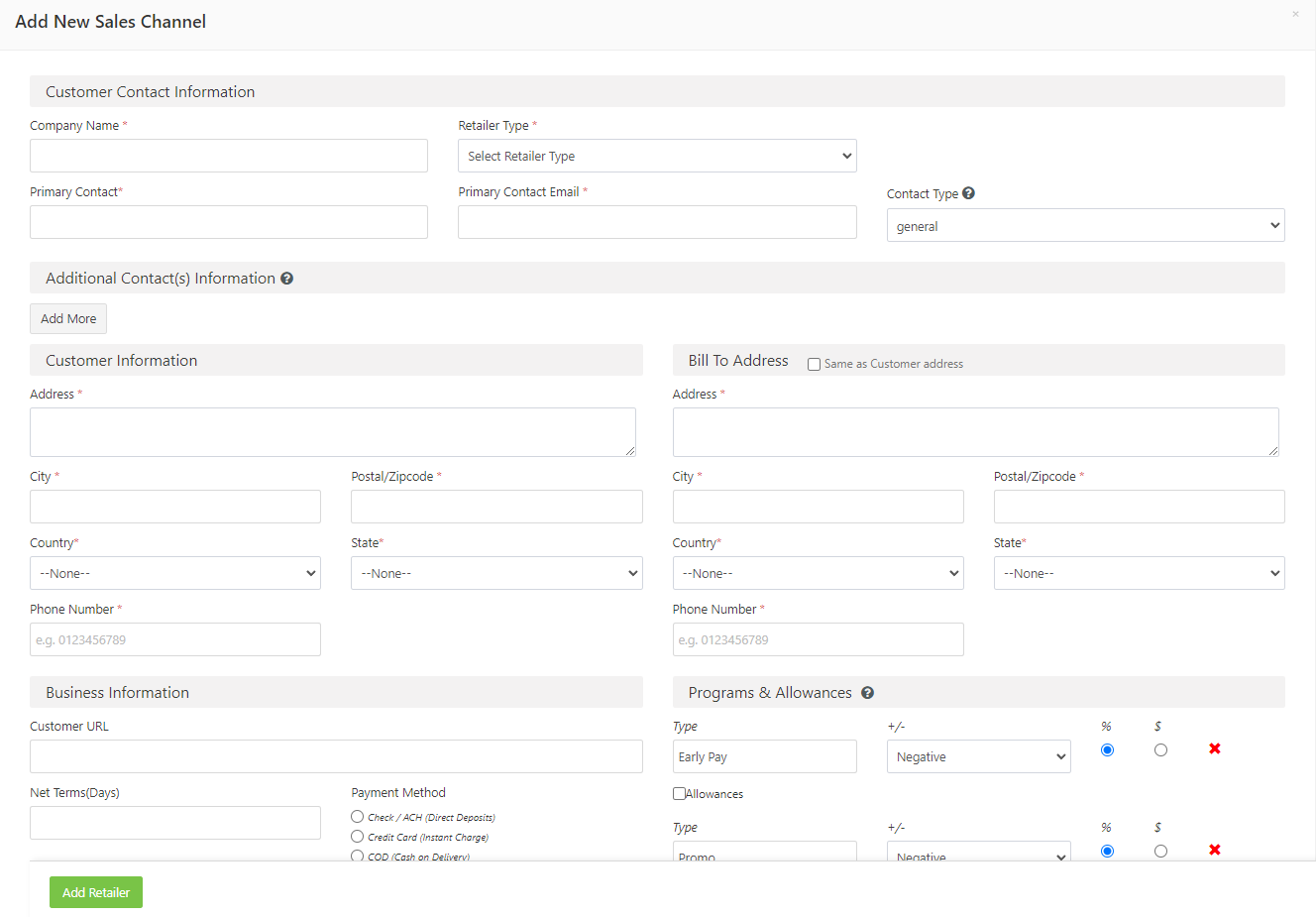
3.) This will show you the details that needs to fill up.
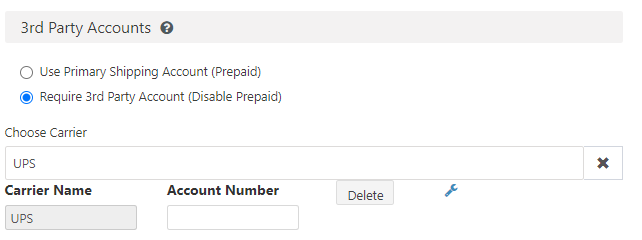
4. ) For sales channel that has 3rd Party Accounts, you may just click 3rd Party Account 和 then choose carrier. For this case, the carrier selected is UPS. Then insert 您的 account number.

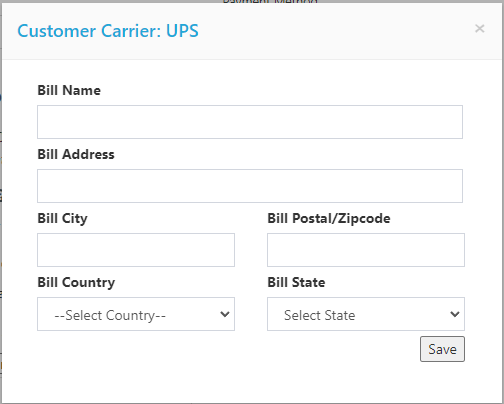
5. ) To add the billing code, click the wrench icon . You will need to fill out the following information.
6.) Once done, just click Add Retailer.