
Welcome to our Knowledge Base
Houzz Integration
Table of Contents
1.) Go to Houzz website (https://www.houzz.com/)
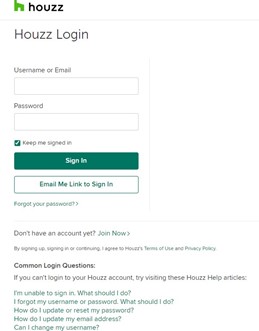
2.) Click Sign In 和 login 您的 vendor account.
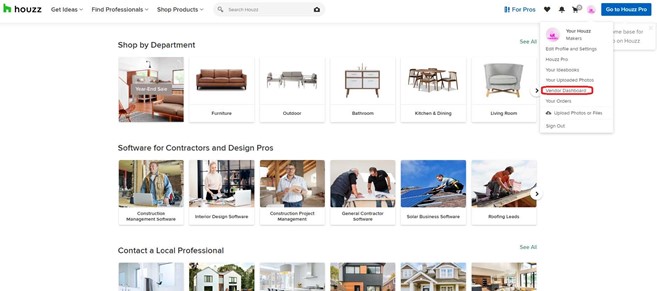
3.) After you login, click “Vendor 仪表板” on the right top corner.
4.) Once you click on the Vendor 仪表板, click “Settings” 和 click API.
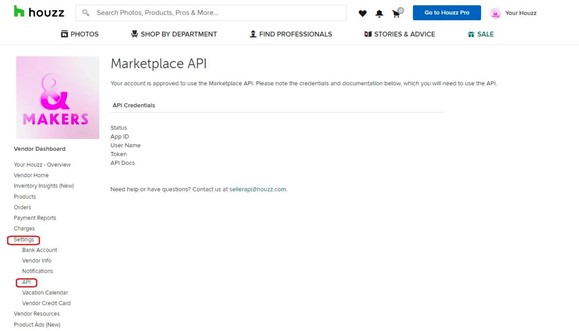
5.) After they acquired the credentials, you can also input them into our system. Refer to 这里: https://dashboard.mportsco.com/admin/integration/sale_channel?keyword=houzz
- Account ID => App ID
- user_name => User Name
- app_token => Token