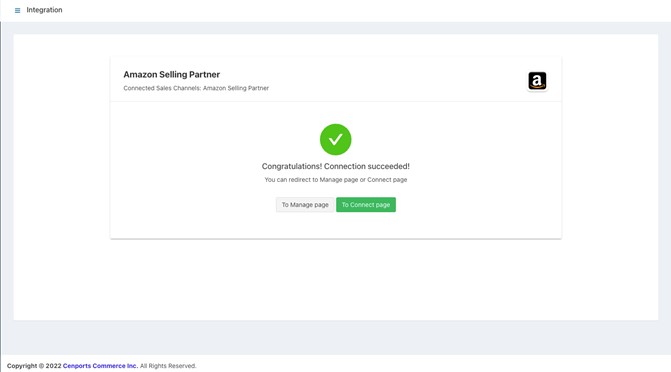
Amazon Integration
1.) Sign in to 您的 dashboard. Reference: https://dashboard.mportsco.com/login
2.) From the main dashboard, click 集成.
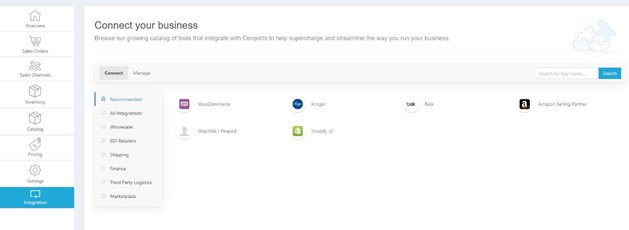
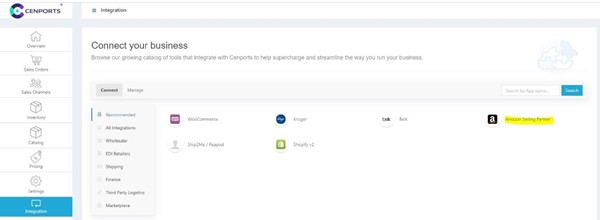
3.) Select Amazon Selling Partner.
4.) Once you select Amazon Selling Partner, on the right side, select Amazon.
a.) Fill in amazon.com to the Account ID field.
b.) Under Advanced Settings, make sure that in is_s和box, select False.
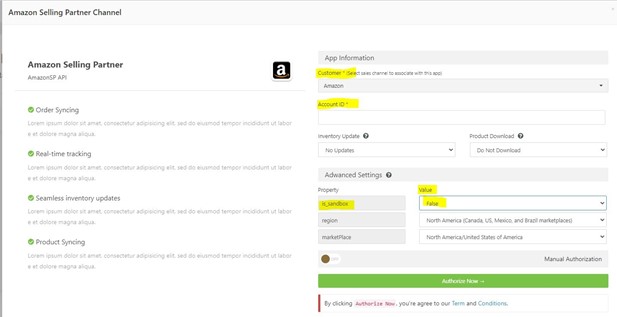
5.) Click Authorize Now. Once you click Authorize Now, it will redirect to 您的 Amazon account. Take note that only the Seller Central Account Owner can perform the action.
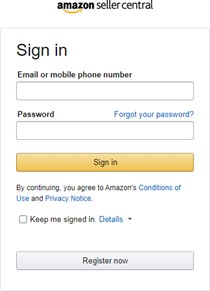
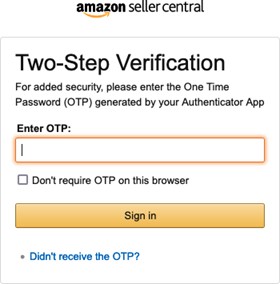
6.) Once you sign in, t这里 is an added layer of security to comply like OTP. Enter the OTP given in 您的 account.
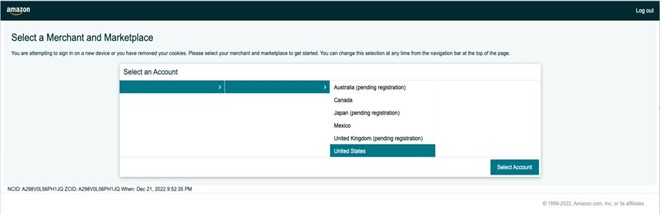
7.) The region 和 marketplace must match with the option user selected in Step 4.
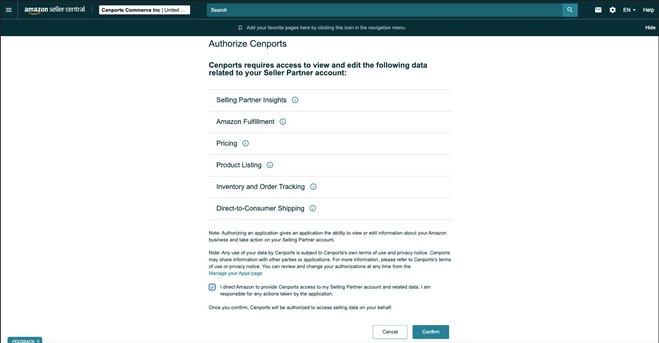
8.) Make sure to check 和 Authorize mPorts (I direct Amazon to provide mPorts access to my Selling Partner account 和 related data etc.). Then click Confirm.
9.) This should complete the connection between mPorts 和 Amazon integration. Once done, please notify integrations@mportsco.com to confirm the connection status.